
AI tools like Claude are quietly changing how content gets created, and most people are still following the old workflow.
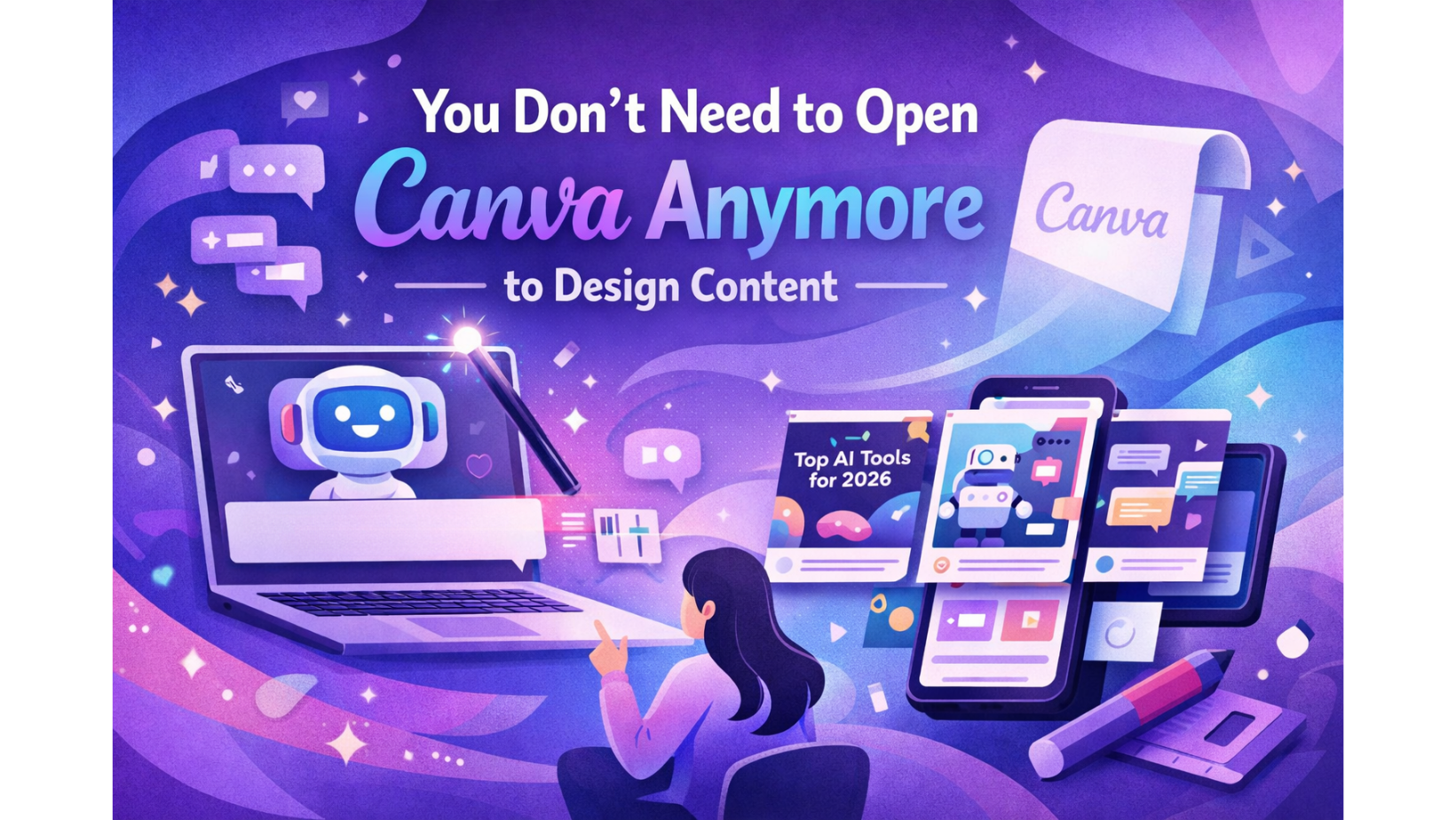
Think about how you usually create a social media post. You open Canva, scroll through templates, try a few layouts, write some copy, adjust spacing, go back and tweak the text again. It’s a familiar process. It works. But it’s also repetitive and time-consuming.
Now compare that to what’s possible today. You type a single prompt, something like:
Create a 6-slide Instagram carousel on top AI tools for 2026.
Within a couple of minutes, you have a structured carousel, written content, and a clear design direction ready. Not fragments. Not starting points. A full first draft. That’s the shift, and it’s already happening.
What makes this interesting is not just the speed. It’s the way tools like Claude sit on top of platforms like Canva and change how the work begins. Instead of manually piecing things together, first the copy, then the layout, then the visuals, you describe what you want once, and AI translates it into something tangible.
So how do you actually do this?
The process is simple, but what makes the difference is how clearly you approach it. Here’s what it looks like in practice:
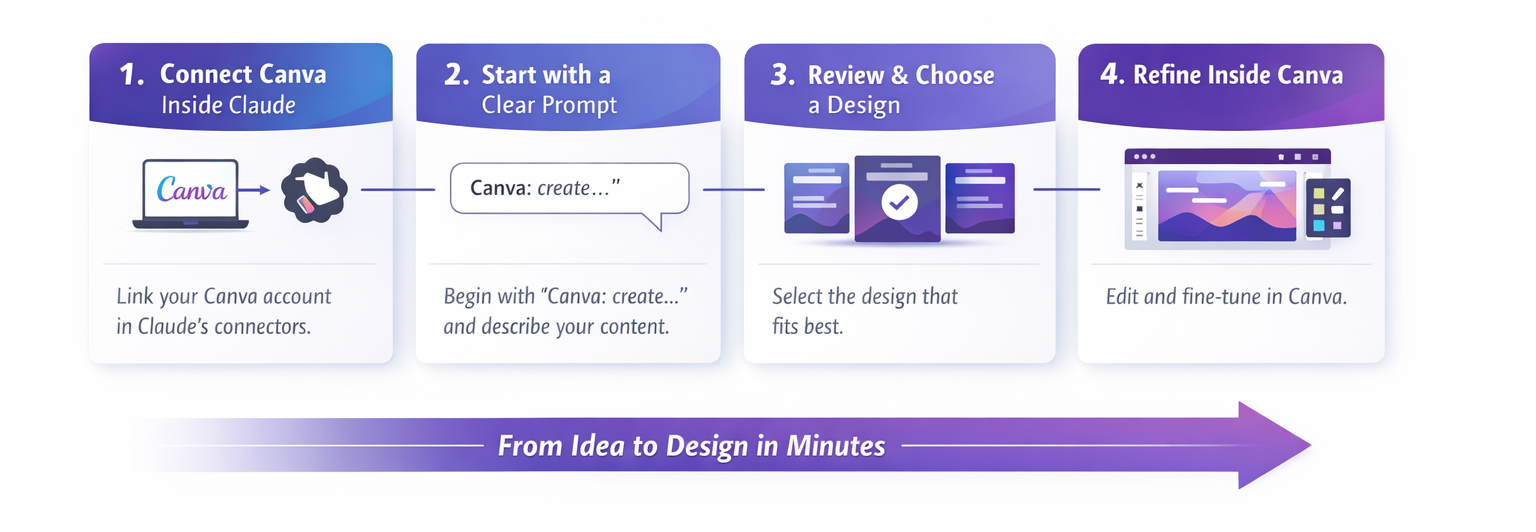
1. Connect Canva inside Claude
Inside Claude, go to the connectors section and link your Canva account. This allows Claude to create designs directly for you instead of just suggesting ideas.
2. Start with a clear prompt
Begin your request with “Canva: create…” and describe exactly what you want. The more specific you are about topic, format, and tone, the better the result.
3. Review and choose a direction
Claude will generate multiple design variations along with structured content. Instead of starting from scratch, you simply pick the one that feels closest.
4. Refine inside Canva
Open the design in Canva and make adjustments. This is where you fine-tune visuals, copy, and layout to match your exact taste or brand.
In practical terms, that means you’re no longer starting from a blank canvas. You’re starting from something that’s already 70 to 80 percent complete. The effort shifts from building to refining. You’re not designing from scratch; you’re directing what gets designed.
This might sound like a small difference, but it changes how content teams operate. Earlier, most of the time was spent getting to a usable first version. That’s where the friction was, aligning copy with design, testing layouts, making iterations. Now, that friction is reduced significantly.
For agencies and brands, this has direct implications. The ability to generate multiple directions quickly means faster turnaround, more experimentation, and less dependency on repetitive manual work. Teams can explore more creative routes without increasing effort proportionally.
Of course, it’s not perfect. The outputs will still need refinement. Some designs won’t align with your taste, some copy may need tightening, and certain elements might require adjustments inside Canva. But that’s not a limitation. That’s the point.
There’s also an interesting secondary layer here. Because Canva uses brand kits, once your colours, fonts, and styles are defined, AI-generated designs naturally start aligning with your brand without repeated instructions.
What we’re really seeing is a shift in where the skill lies. The primary skill is moving towards clarity of thought, how well you can define what you want, how precisely you can guide AI, and how effectively you can recognise what works.
You can still start your process in Canva. Most people will, for a while. But increasingly, that will feel like starting from scratch when you don’t have to.
The better question is, why design first, when you can think first and let AI build the rest?